Designer / Explorer
We don't believe we need to separate developers from end users. Granted we understand there are different levels of technology knowledge. However our approach is to make simple access easy and give everything to everyone, but let users decide how deep they want to go.
The Designer is where you can modify existing visualizations or imagine new ones.
We've made our data exploration smart to reduce time to results. We find meaningful results for you and we make assumptions to visualize them instantly. But you can go further. Anyone is able to modify our assumptions and get to their desired visualization. You are the creator, you are the designer. We're just here to make your life easier.
We also understand that many end users might not really care to design their stuff. They just need to get to answers quickly and efficiently with your guidance. So we've developed easily accessible tools in our designer to help you guide users on their journey to immediately valuable insights.
- ✓Search Bar — find exactly the information you are looking for
- ✓Visualization Properties — configure the visualization to meet your presentation needs
- ✓Suggestions — get help and insights on AI recommended questions
- ✓Data Explorer — view all available data elements with descriptions from your datasets
Search Bar
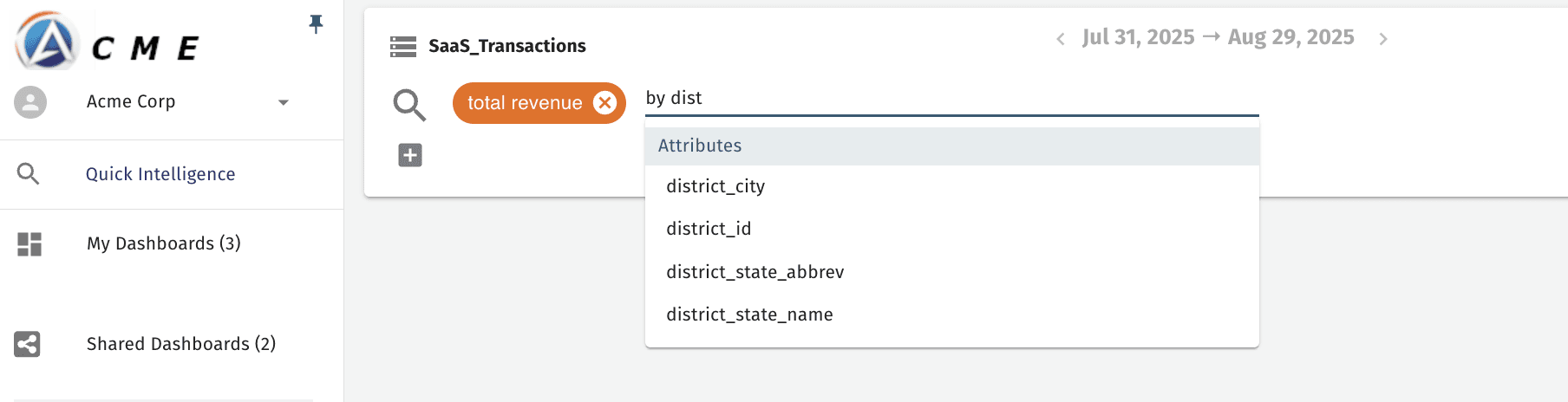
The search bar provides an easy way to get answers to important questions.
- ✓Type-ahead attribute reference
- ✓Type-ahead keyword reference
- ✓Virtual attributes — calculated fields
- ✓Keywords for complex operators
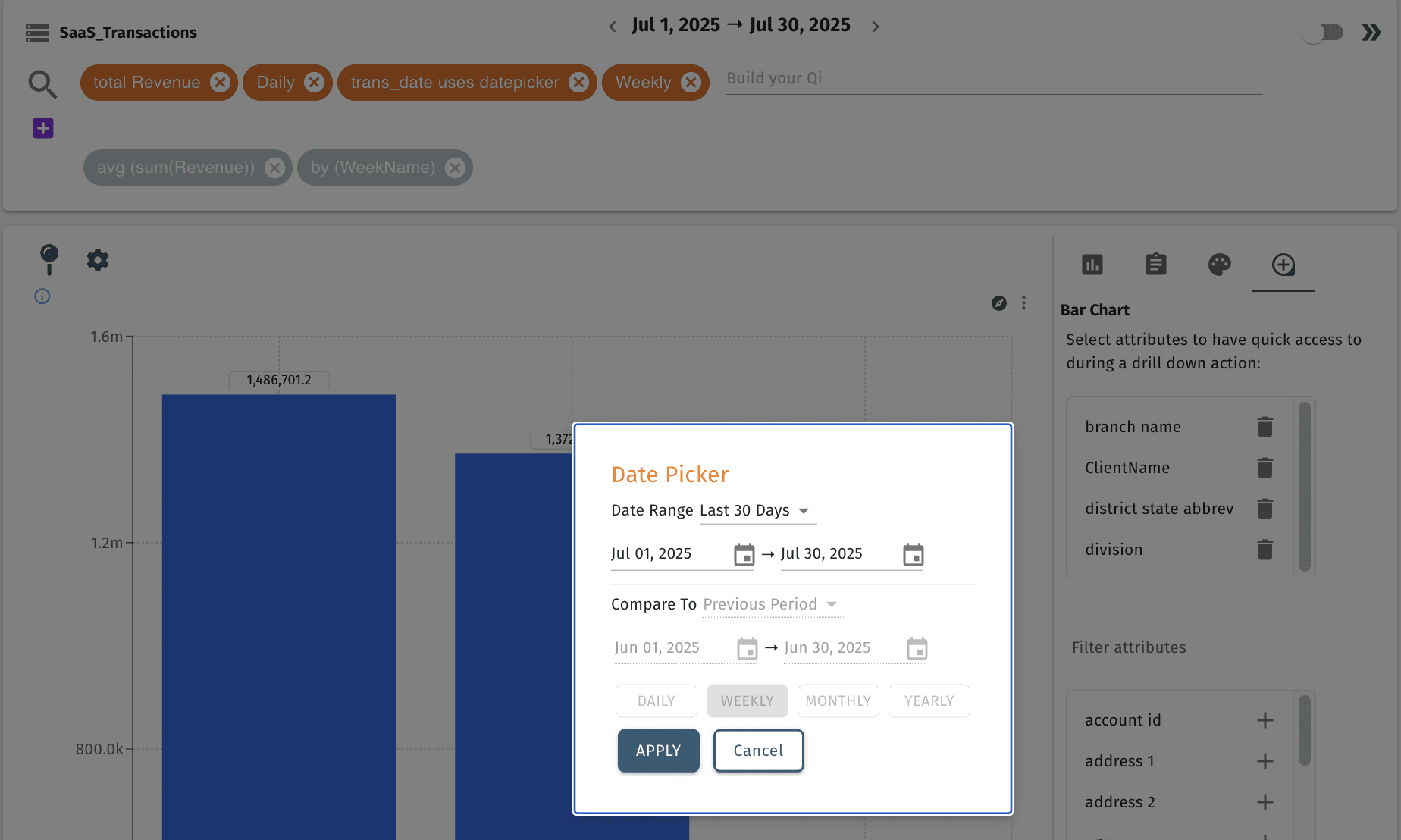
- ✓Integrated date picker
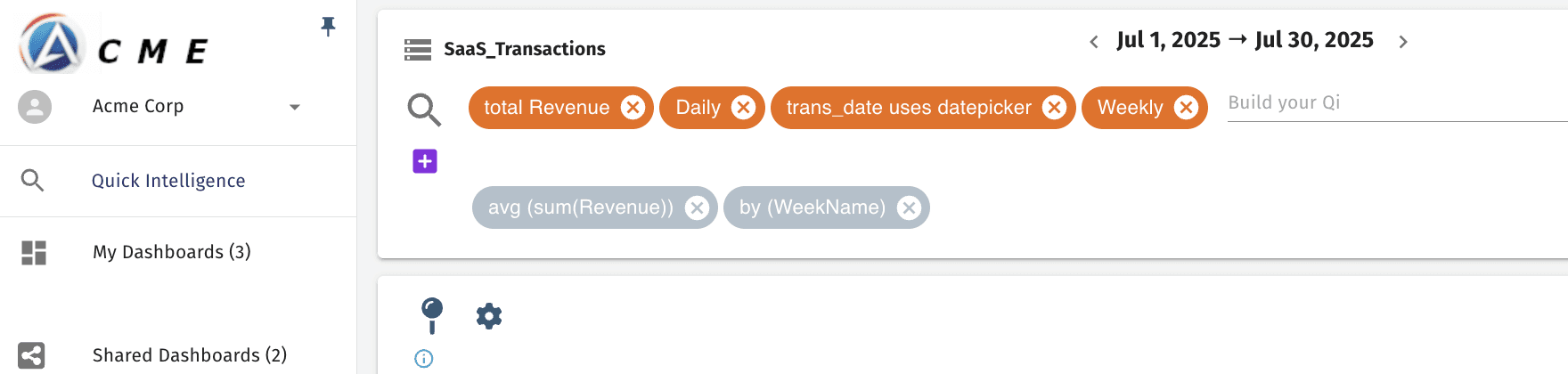
Advanced Search
Advanced Search provides support for post-aggregation functions and filters — great for weighted values and complex calculations.
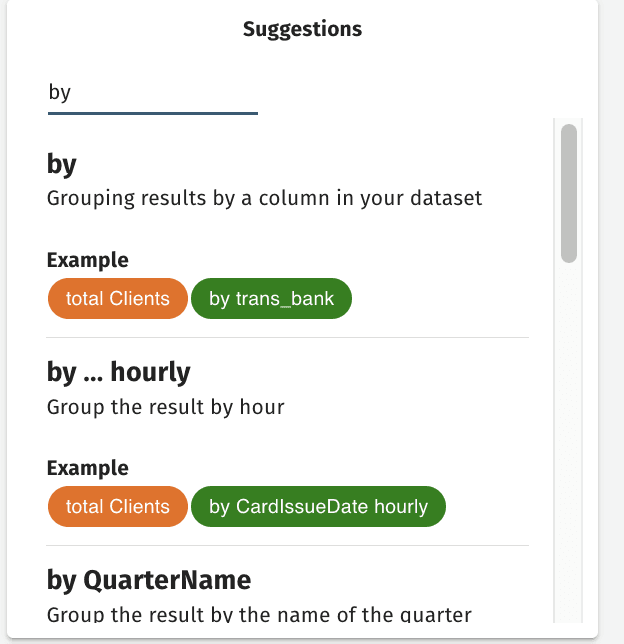
Help & Suggestions
Get relevant suggestions for operators and attributes based on your dataset. In addition, get to know how operators work better with help text and examples.
Smart Visualization
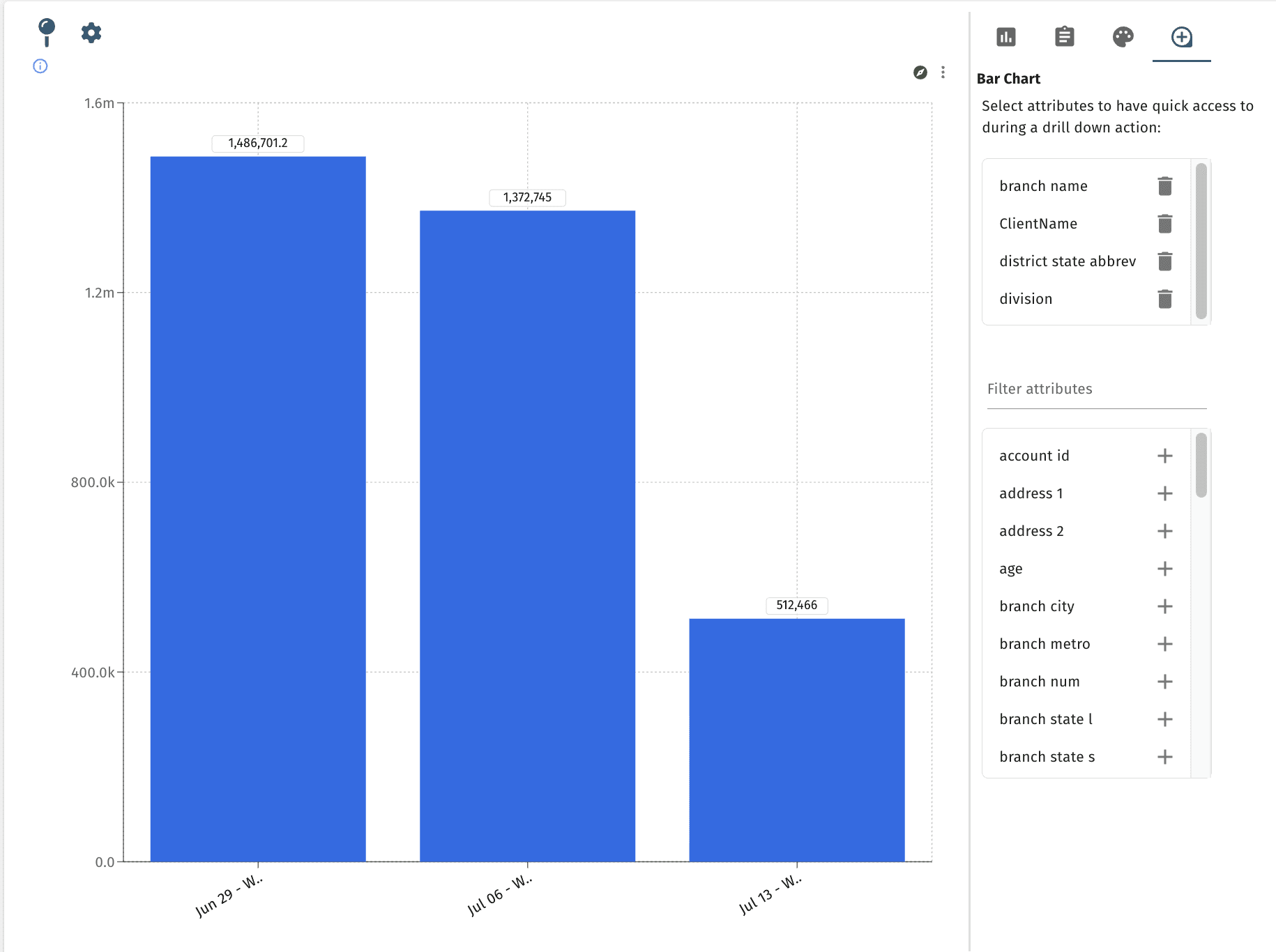
Select from a wide range of options including:
- ✓Chart type selection
- ✓Title and number formatting
- ✓Color palettes
- ✓Drill-down suggestions
Data Exploration
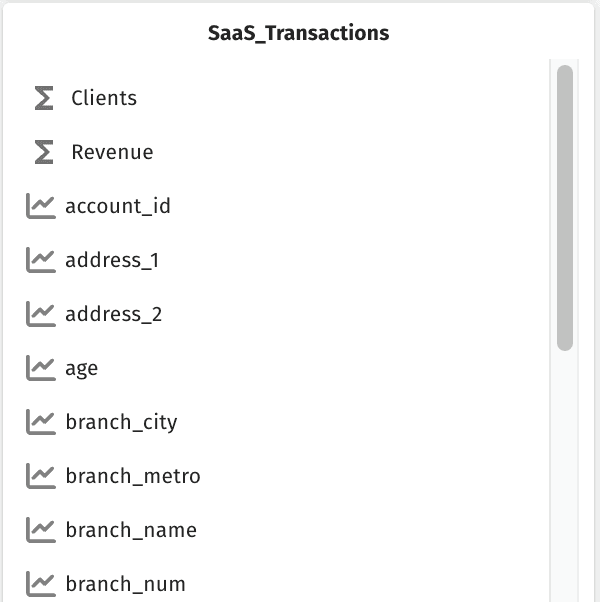
Explore what your data model has to offer with a full descriptive list of your data's attributes, calculated fields, and more.
Date Picker
Configure defaults for easy flexible integration, range selection, range control, grain selection.
- ✓Assigned to specific attributes
- ✓Fast, easy grain selection
- ✓Fast, easy range selection
- ✓Applied to individual QI or across dashboard